
Power of AutoCAD 3D
AutoCAD is a powerful design and drafting software widely used in various industries, including architecture, engineering, and manufacturing. While many users are familiar with its 2D capabilities, Autocad 3D offers a robust suite of tools for creating detailed three-dimensional models.
Getting Started with AutoCAD 3D
- Understanding the Workspace
- 3D Modeling Workspace: Switch to the 3D Modeling workspace for easy access to 3D tools. This can be done via the gear icon in the top-left corner or by using the command WORKSPACE.
- Viewports: Utilize multiple viewports to view your model from different angles. The default viewports include Top, Front, and Right views.
- Creating Basic 3D Shapes
- Primitives: Start with basic shapes like Boxes, Spheres, and Cylinders using commands like BOX, SPHERE, and CYLINDER.
- Extrusion: Use the EXTRUDE command to turn 2D shapes into 3D objects. Select your shape and specify the height to create volume.
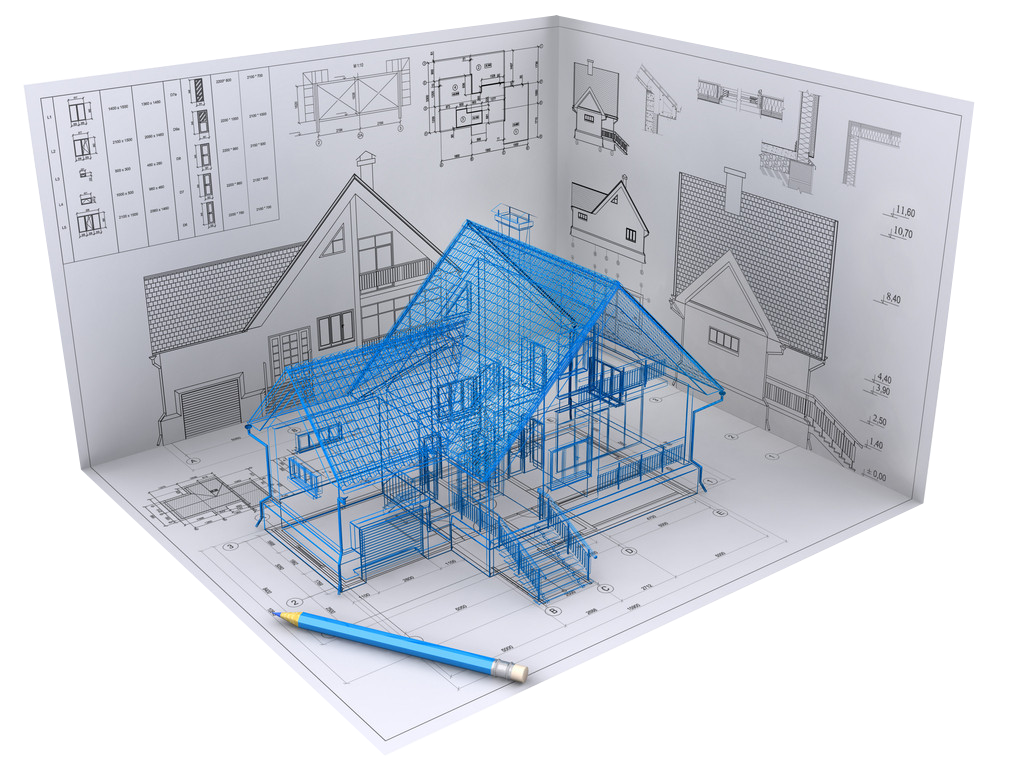
Advanced 3D Modeling Techniques
Lofting and Revolving
- LOFT Command: Create complex shapes by defining multiple cross-sections. Select the profiles in the order you want them to connect.
- REVOLVE Command: Generate 3D objects by revolving a 2D shape around an axis.
Editing 3D Objects
- 3D Move and Rotate: Use the
3D MOVEand3D ROTATEcommands to position and orient your objects in 3D space. - Boolean Operations: Combine or subtract shapes using union, subtract, and intersect commands for advanced geometry.
Conclusion
Autocad 3D opens up a world of possibilities for designers and engineers alike. By mastering its features and capabilities, you can create intricate models that bring your ideas to life. Start exploring today, and elevate your design skills to the next dimension!